Great support from faculty members and management team

 Bestseller
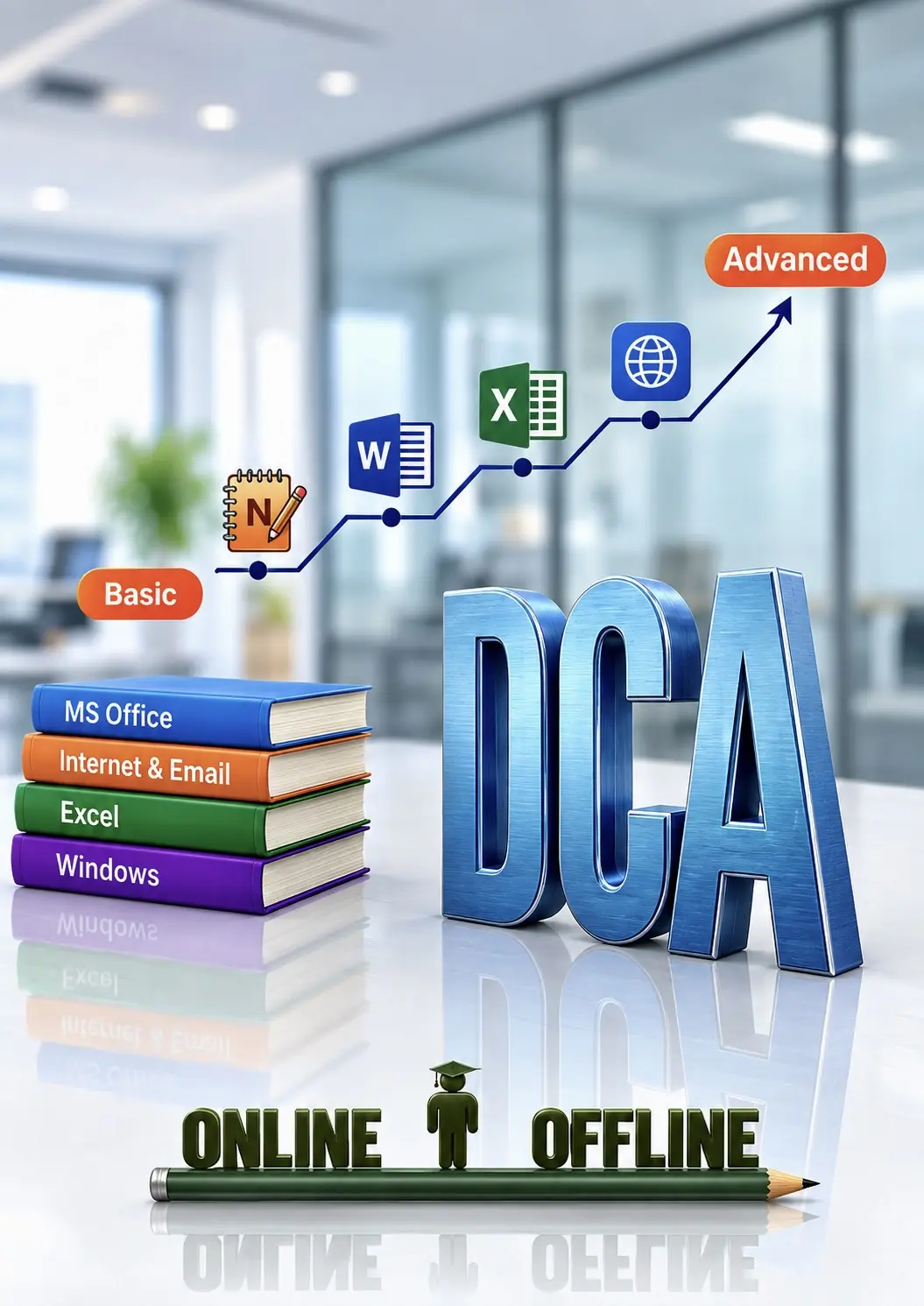
ADCA (Advanced Diploma in Computer Applications) is a comprehensive computer course designed to provide students with practical and professional computer skills. This course covers basic to advanced computer applications used in offices, businesses, and daily professional work. Students will learn computer fundamentals, typing skills, MS Office applications, internet usage, accounting with Tally Prime GST, and advanced Excel for data management and reporting.
· Introduction to Computer
· Types of Computer
· Characteristics of Computer
· Hardware & Software
· Input Devices
· Output Device
· CPU
· RAM & ROM
· Storage Devices (HDD, SSD, Pen Drive)
· Operating System
· Windows Desktop
· Start Menu, Taskbar & Icons
· Files & Folders
· Create, Copy, Move, Rename & Delete
· Computer Ports
· Booting Process
· Shortcut Keys
· Internet Basics
· Browser
· Search Engine
· Email Introduction
· Paint Interface
· New, Open & Save
· Pencil, Brush, Erase, Fill Color, Shapes, Text Tool, Selection Tool
· Resize, Rotate, Crop, Image Editing
· Introduction
· Create & Save File
· Typing Practice
· Cut, Copy, Paste
· Undo & Redo
· Find & Replace
· Word Wrap
· Interface
· Create & Save Document
· Font Formatting
· Bold, Italic & Underline
· Font Color
· Paragraph Formatting, Alignment, Line Spacing
· Insert Picture
· Date & Time
· Bullets
· Page Setup, Print Preview, Print
· MS Word Basics
· Creating, saving, editing documents
· Text formatting, paragraph alignment, bullets and numbering
· MS Word Intermediate Features
· Tables, headers/footers, page background
· Page layout, margins, and styles
· MS Word Advanced Tools
· Mail merge, references, table of contents
· Templates, collaboration, printing options
· Introduction to MS Excel
· Spreadsheet basics, cell referencing, formulas
· Data entry, formatting cells
· Working with Formulas and Functions
· SUM, AVERAGE, IF, COUNTIF, VLOOKUP, etc.
· Absolute vs. relative referencing
· Data Visualization & Charts
· Creating and formatting charts
· Sorting, filtering, and conditional formatting
· Excel Advanced Tools
· PivotTables, Data Validation, What-if analysis
· Protection, exporting to PDF
· Introduction to power point
· PowerPoint Basics Creating slides, themes, and
· Layouts Adding and formatting text and images.
· Design and Multimedia
· Animations, transitions, audio/video
· Slide Master and templates.
· Presenting and Sharing
· Presenter view, printing handouts
· Exporting presentations, sharing tips
· Introduction to MS Outlook
· Email setup, composing, folders
· Calendar, tasks, and scheduling meetings
· Outlook Productivity Tips
· Rules, quick steps, search folders
· Integration with Word and Excel
· Introduction to Common Functions (SUM, AVERAGE, COUNT)
· Deep Dive into More Functions (MIN, MAX, IF Statements)
· Absolute vs. Relative References in Excel Formulas
· Learn How to Highlight Key Data Points with Conditional Formatting
· Efficiently Organize and Analyze Large Datasets
· How to Leverage Pre-built Templates for Quick Tasks
· Visualizing Data with Basic Charts (Bar, Pie, Line)
· How to Modify and Format Charts for Better Presentation
· Preventing Errors and Protecting Your Excel Sheets
· Learn How to Link and Navigate Between Multiple Sheets
· Introduction to PivotTables for Summarizing and Analyzing Data
· Formulae that Add / Subtract / Multiply / Divide
· BODMAS / Formula Error Checking
· The Sum Function
· Problems with Absolute / Relative Cell Referencing
· Creating Absolute / Mixed References
· The VLOOKUP/ HLOOKUP Functions
· PivotTables
· Creating, Formatting Simple PivotTables
· Page Field in a PivotTable
· Formatting a PivotTable
· Creating / Modifying a PivotChart
· IFs and Nested IF Functions
· Using AND / OR / NOT Functions
· Statistical Functions
· Using The SUMIF / COUNTIF Functions
· Using The AVERAGE / COUNT / LARGER / SMALLER Functions
· Pivot Tables – Advance
· Adding new calculated Fields / Items
· Changing the Summary Function
· Consolidate Pivot table
· MATCH with VLOOKUP Functions
· INDEX & MATCH Functions
· OFFSET / INDIRECT functions
· If Loop and Nested IF Loop Functions
· Using IF / ISERROR Functions
· The Chart Wizard
· Chart Types
· Adding Title / Legends / Labels
· Printing Charts
· Adding Data to a Chart
· Formatting / Renaming / Deleting Data Series
· Changing the Order of Data Series
· Using The To
· Now & Date Functions
· Using The Datedif / Networks / Eomonth Functions
· Using The Weeknum Functions
· · Using The Edate / Networks Intl / Weeks Intl Functions
· The Mid / Search / Left / Right Functions
· Using The Trim / Clean / Upper/ Lower Functions
· Using The Substitute / Text Functions
· Using The Trim / Clean / Proper / Dollar Function
· Input Messages / Error Alerts / Drop-Down Lists
· Conditional Formatting
· Extracting Records with Advanced Filter
· Using Formulas in Criteria
· Sorting by Top to Bottom / Left to Right
· Creating / Deleting Custom List
· Sort by using Custom List
· Hyper linking data, within sheet / workbook
· Linking & Updating links between workbooks & application
· Using SUMPRODUCT Functions
· Using FLOOR / CEILING/ MROUND / MOD / QUOTIENT Functions
· Creating Subtotals / Nested Subtotals
· SUBTOTALS Formula
· Creating / Working with an Automatic / Manual Outline
· Grouping / Ungrouping
· Consolidating Data with Identical / Different Layout
· Using Auditing Tools
· Displaying / Removing Dependent & Precedent Arrows
· Evaluate Formula – Step IN / Step Out
· Creating Custom Views
· Displaying Custom Views
· Deleting Custom Views
· Sharing Workbooks & Tracking Changes
· Protecting sheets/workbooks / Files
· Importing Data from Database / Text Files / Web
· Exporting Data
· Changing External Data Range
· What is Tally Prime?
· Gateway of Tally Explained
· Create Company in Tally
· Alter Company
· Select Company / Change Company
· Shut Company
· Delete Company
· What is Accounting
· Golden Rules of Accounting
· Business Transaction
· Basic Concepts of Accounting
· Journal Entries
· Single Entry
· Double Entry
· Book Keeping
· 28 Predefined Groups in Tally
· How to Create Groups
· What is Ledger
· Create / Alter / Delete Ledger
· Create Stock Group
· Create Stock Category
· Create Stock Unit
· Create Stock Item
· Create Godown / Location
· Delete Company
· Profit & Loss Statement
· Balance Sheet
· Stock Summary
· Stock Group Summary
· Stock Report (Location/Godown Wise)
· What are Vouchers
· What is Narration?
· Journal Voucher
· Purchase Voucher
· Sales Voucher
· Payment Voucher
· Receipt Voucher
· Contra Voucher
· Debit Note
· Credit Note
· Purchase Order
· Receipt Note
· Rejection Out (Purchase Return)
· Rejection In (Sales Return)
· Stock Journal (Transfer & Consumption)
· Stock Summary
· Stock Group Summary
· Stock Report (Location/Godown Wise)
· Bank Ledger Creation
· Cheque Book Printing
· Cancel Cheque
· Pass Blank Cheque
· Bank Reconciliation
· Bill by Bill
· Multi-Currency
· Round Off
· Post Dated Vouchers
· Discount Column in Invoice
· Job Costing & Cost Centers
· Budget Control
· Interest Calculation
· Memorandum Voucher
· Optional Voucher
· Physical Stock Voucher
· Multiple Price Levels
· Actual Qty & Billed Qty (Buy One Get One)
· Zero Value Entry (Sampling)
· Point of Sale (POS)
· Interest Calculation
· Product Manufacturing
· What is GST?
· Purchase Voucher (CGST & SGST)
· Purchase Voucher (IGST)
· Sales Voucher (IGST)
· Sales Voucher (CGST & SGST)
· GSTR-1
· GSTR-2
· Service GST
· Multi GST
· B2C
· URD (Unregistered Dealer)
· Debit/Credit Note
· Manufacturing with GST
· Capital Goods GST
· Composite GST
· GST Registration Process
· What is TDS?
· TDS Deduction in Tally Prime
· TCS on Purchase
· TCS on Sales
· Employee Category
· Employee Group
· Employee Creation
· Payroll Work Unit
· Attendance / Production Type
· Payroll Pay Heads
· Payroll Voucher
· Attendance Sheet Voucher
· Employee Salary Structure
· Salary Processing in Tally Prime
· Real-World Project
· Quiz + Practical Assignment

Great support from faculty members and management team

Teachers are knowledgeable and supportive throughout the course

Highly recommended for students preparing for office jobs

very good institute

I realise computer learning very easy after I joined here. best institute highly requemended everyon

just joined the institute I found one thing teachers are very supportive with beginners best institu

best guidance and learning experience and want to requmend to everyone. best institute among all

I completed my course recently and I got my certificate.institute was really great hight requemended

I highly requmend this institute. the learning experience is great and they conduct weekly test.

half of the course is done with great leaning experience.i highly requemen this institute

persuing ADCA course from Educet institute till the date the leaning experience was really amazing

Affordable fees with excellent education quality

Teachers focus on every student personally

Great practical skills for office jobs just finished my ADCA course and highly recommend it

Amazing experience highly recommended for ADCA course

Teacher explain every topic step by step with practical examples

Excellent institute for beginners as well as advanced learners.
Copyright © 2026 DITRP INDIA. All Rights Reserved