it was very great experience and gaining knowledge

 Bestseller
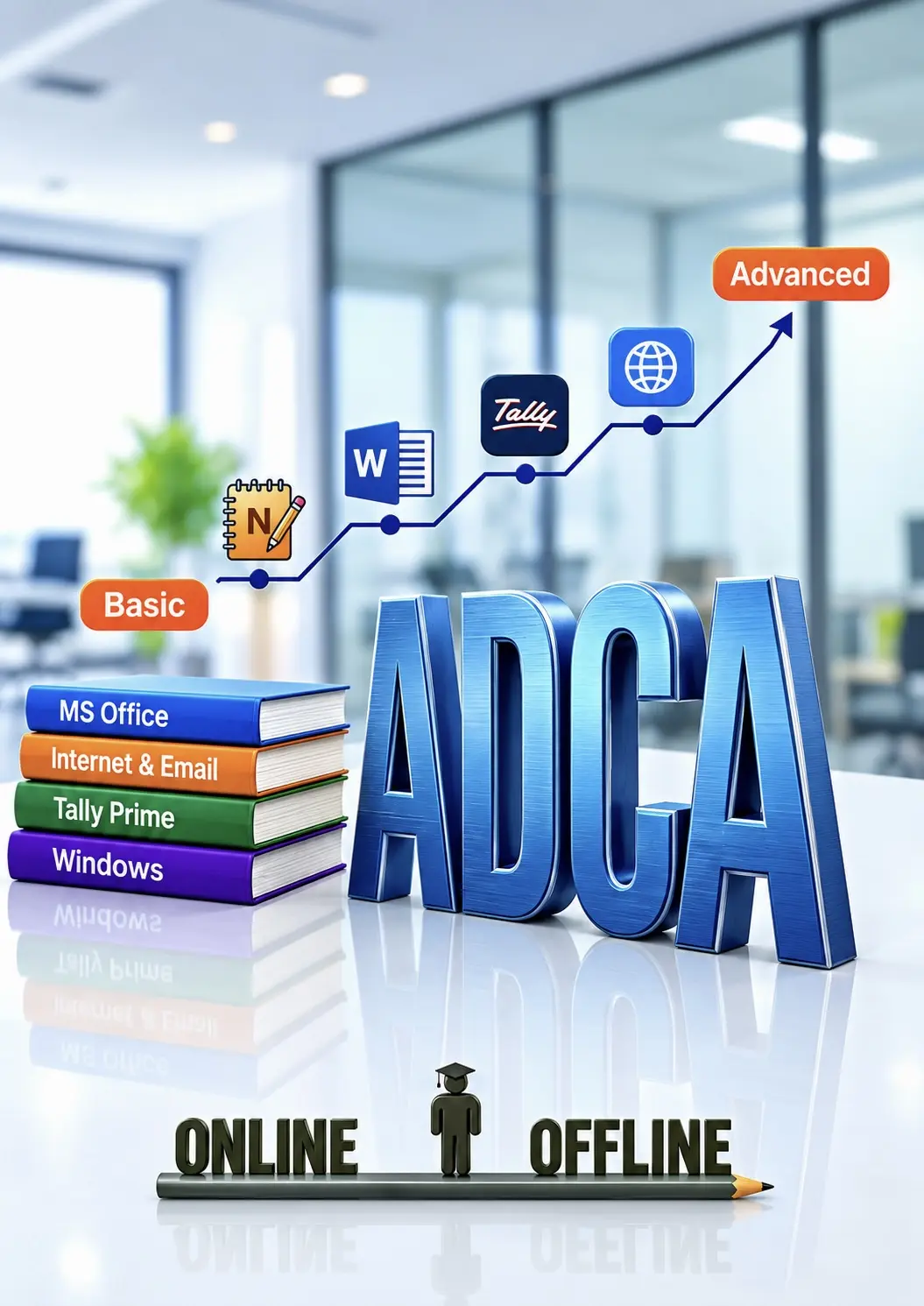
In this DCA (Diploma in Computer Applications) course, you will learn the fundamentals of computer applications, including MS Office, MS Excel, internet and email, database basics, Tally, and essential computer concepts. By the end of the course, you'll have the practical skills needed for office, academic, and everyday computer tasks.
· Introduction to Computer
· Types of Computer
· Characteristics of Computer
· Hardware & Software
· Input Devices
· Output Device
· CPU
· RAM & ROM
· Storage Devices (HDD, SSD, Pen Drive)
· Operating System
· Windows Desktop
· Start Menu, Taskbar & Icons
· Files & Folders
· Create, Copy, Move, Rename & Delete
· Computer Ports
· Booting Process
· Shortcut Keys
· Internet Basics
· Browser
· Search Engine
· Email Introduction
· Paint Interface
· New, Open & Save
· Pencil, Brush, Erase, Fill Color, Shapes, Text Tool, Selection Tool
· Resize, Rotate, Crop, Image Editing
· Introduction
· Create & Save File
· Typing Practice
· Cut, Copy, Paste
· Undo & Redo
· Find & Replace
· Word Wrap
· Interface
· Create & Save Document
· Font Formatting
· Bold, Italic & Underline
· Font Color
· Paragraph Formatting, Alignment, Line Spacing
· Insert Picture
· Date & Time
· Bullets
· Page Setup, Print Preview, Print
· MS Word Basics
· Creating, saving, editing documents
· Text formatting, paragraph alignment, bullets and numbering
· MS Word Intermediate Features
· Tables, headers/footers, page background
· Page layout, margins, and styles
· MS Word Advanced Tools
· Mail merge, references, table of contents
· Templates, collaboration, printing options
· Introduction to MS Excel
· Spreadsheet basics, cell referencing, formulas
· Data entry, formatting cells
· Working with Formulas and Functions
· SUM, AVERAGE, IF, COUNTIF, VLOOKUP, etc.
· Absolute vs. relative referencing
· Data Visualization & Charts
· Creating and formatting charts
· Sorting, filtering, and conditional formatting
· Excel Advanced Tools
· PivotTables, Data Validation, What-if analysis
· Protection, exporting to PDF
· Introduction to power point
· PowerPoint Basics Creating slides, themes, and
· Layouts Adding and formatting text and images.
· Design and Multimedia
· Animations, transitions, audio/video
· Slide Master and templates.
· Presenting and Sharing
· Presenter view, printing handouts
· Exporting presentations, sharing tips
· Introduction to MS Outlook
· Email setup, composing, folders
· Calendar, tasks, and scheduling meetings
· Outlook Productivity Tips
· Rules, quick steps, search folders
· Integration with Word and Excel
· Introduction to Common Functions (SUM, AVERAGE, COUNT)
· Deep Dive into More Functions (MIN, MAX, IF Statements)
· Absolute vs. Relative References in Excel Formulas
· Learn How to Highlight Key Data Points with Conditional Formatting
· Efficiently Organize and Analyze Large Datasets
· How to Leverage Pre-built Templates for Quick Tasks
· Visualizing Data with Basic Charts (Bar, Pie, Line)
· How to Modify and Format Charts for Better Presentation
· Preventing Errors and Protecting Your Excel Sheets
· Learn How to Link and Navigate Between Multiple Sheets
· Introduction to PivotTables for Summarizing and Analyzing Data
· Formulae that Add / Subtract / Multiply / Divide
· BODMAS / Formula Error Checking
· The Sum Function
· Problems with Absolute / Relative Cell Referencing
· Creating Absolute / Mixed References
· The VLOOKUP/ HLOOKUP Functions
· PivotTables
· Creating, Formatting Simple PivotTables
· Page Field in a PivotTable
· Formatting a PivotTable
· Creating / Modifying a PivotChart
· IFs and Nested IF Functions
· Using AND / OR / NOT Functions
· Statistical Functions
· Using The SUMIF / COUNTIF Functions
· Using The AVERAGE / COUNT / LARGER / SMALLER Functions
· Pivot Tables – Advance
· Adding new calculated Fields / Items
· Changing the Summary Function
· Consolidate Pivot table
· MATCH with VLOOKUP Functions
· INDEX & MATCH Functions
· OFFSET / INDIRECT functions
· If Loop and Nested IF Loop Functions
· Using IF / ISERROR Functions
· The Chart Wizard
· Chart Types
· Adding Title / Legends / Labels
· Printing Charts
· Adding Data to a Chart
· Formatting / Renaming / Deleting Data Series
· Changing the Order of Data Series
· Using The To
· Now & Date Functions
· Using The Datedif / Networks / Eomonth Functions
· Using The Weeknum Functions
· · Using The Edate / Networks Intl / Weeks Intl Functions
· The Mid / Search / Left / Right Functions
· Using The Trim / Clean / Upper/ Lower Functions
· Using The Substitute / Text Functions
· Using The Trim / Clean / Proper / Dollar Function
· Input Messages / Error Alerts / Drop-Down Lists
· Conditional Formatting
· Extracting Records with Advanced Filter
· Using Formulas in Criteria
· Sorting by Top to Bottom / Left to Right
· Creating / Deleting Custom List
· Sort by using Custom List
· Hyper linking data, within sheet / workbook
· Linking & Updating links between workbooks & application
· Using SUMPRODUCT Functions
· Using FLOOR / CEILING/ MROUND / MOD / QUOTIENT Functions
· Creating Subtotals / Nested Subtotals
· SUBTOTALS Formula
· Creating / Working with an Automatic / Manual Outline
· Grouping / Ungrouping
· Consolidating Data with Identical / Different Layout
· Using Auditing Tools
· Displaying / Removing Dependent & Precedent Arrows
· Evaluate Formula – Step IN / Step Out
· Creating Custom Views
· Displaying Custom Views
· Deleting Custom Views
· Sharing Workbooks & Tracking Changes
· Protecting sheets/workbooks / Files
· Importing Data from Database / Text Files / Web
· Exporting Data
· Changing External Data Range
· Real-World Project
· Quiz + Practical Assignment
· Final Assessment & Certification

it was very great experience and gaining knowledge

I had a great experience learning the DCA course at Educet Institute. The faculty is knowledgeable,

I want to requmend this institute because faculty is very supportive and learning experience great.

great learning with this institute . I did DCA course and the faculty was really amazing

Excellent support for online and offline classes

institute helps students build confidence and skills

Best place to learn computer skills with practical knowledge

The course structure is very useful and industry oriented
Copyright © 2026 DITRP INDIA. All Rights Reserved